更换新版本不是送一年订阅吗?
★★★★
为啥没有送呢?
还有 2 项未展开
为啥没有送呢?
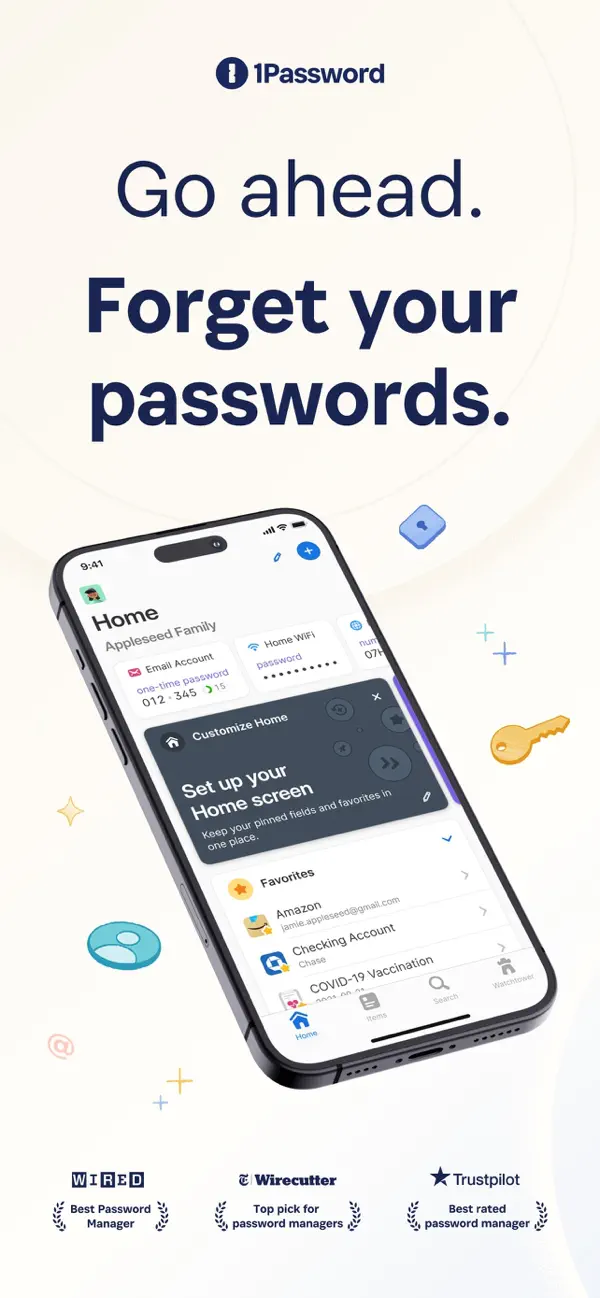
主界面和一些地方的自定义按钮太显眼了!建议隐藏,我日常使用又不会一直更改设置,还有很多地方都是如此,比如有密码保存在别处,还有上方所有类别显示 可能上述表达的不太清晰,但界面确实出现了太多根本用不到的东西,用起来总是误触,似乎根本没有真正考... 更多
为什么中文的问题要用英文来回答用中文回答对于我来说帮助更大一些
一直使用了多年,很棒的团队,我喜欢!这一定是世界上最完美最安全最便利的账号保管软件,加油!
不能像iCloud密码串一样自动弹出保存或更新密码的选项,需要自己手动更改很麻烦!花了钱订阅,却没有很好的技术服务,邮件也是全英文发送但是答非所问!
之前版本存了很多账户密码,这个版本更新非得让我注册个付费的账户,进去发现以前存的那些账户密码全没了
bottom tab bar four items, two of them could not even work. How could you ship this to production
就这个软件让我的密码全部遗失了
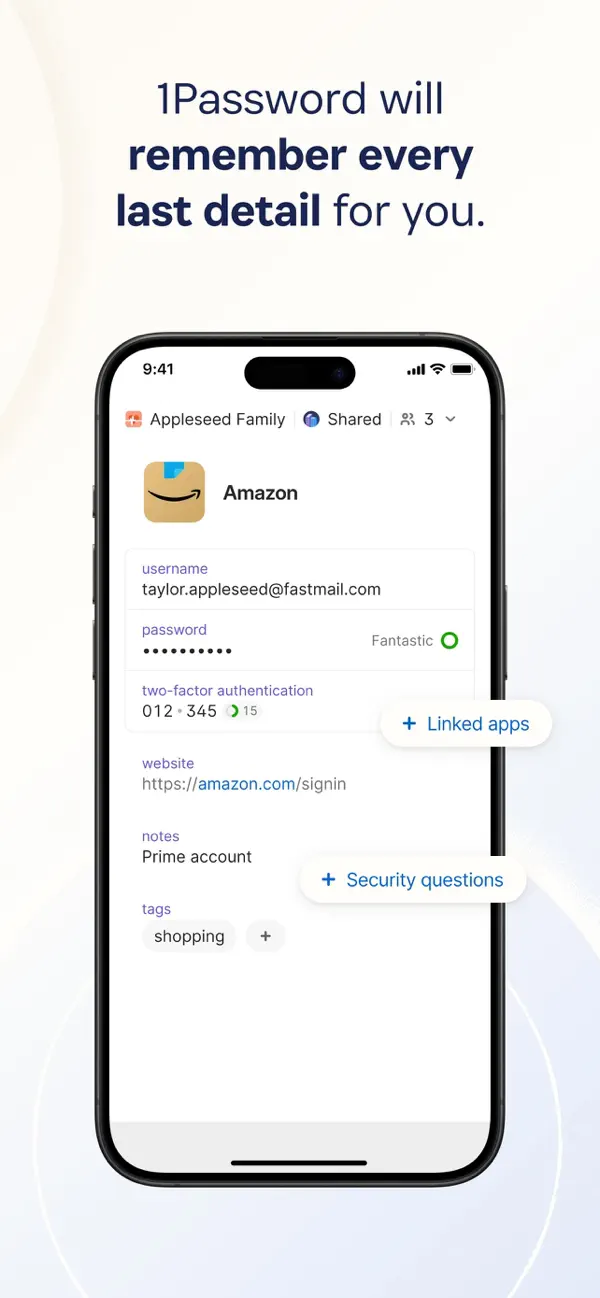
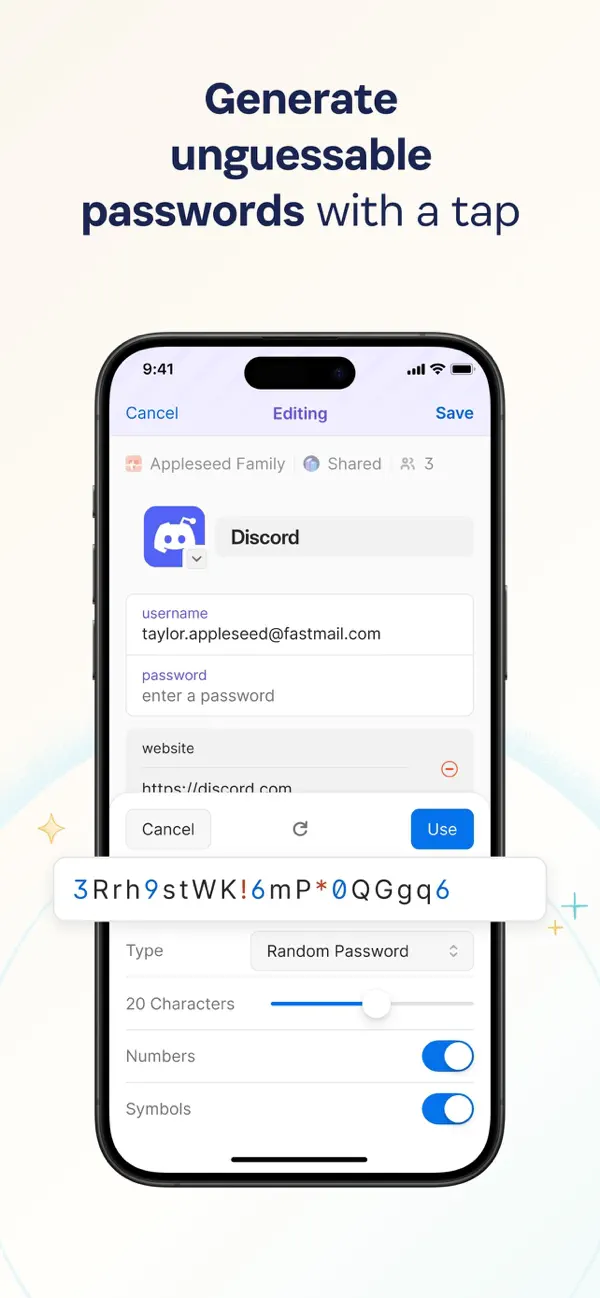
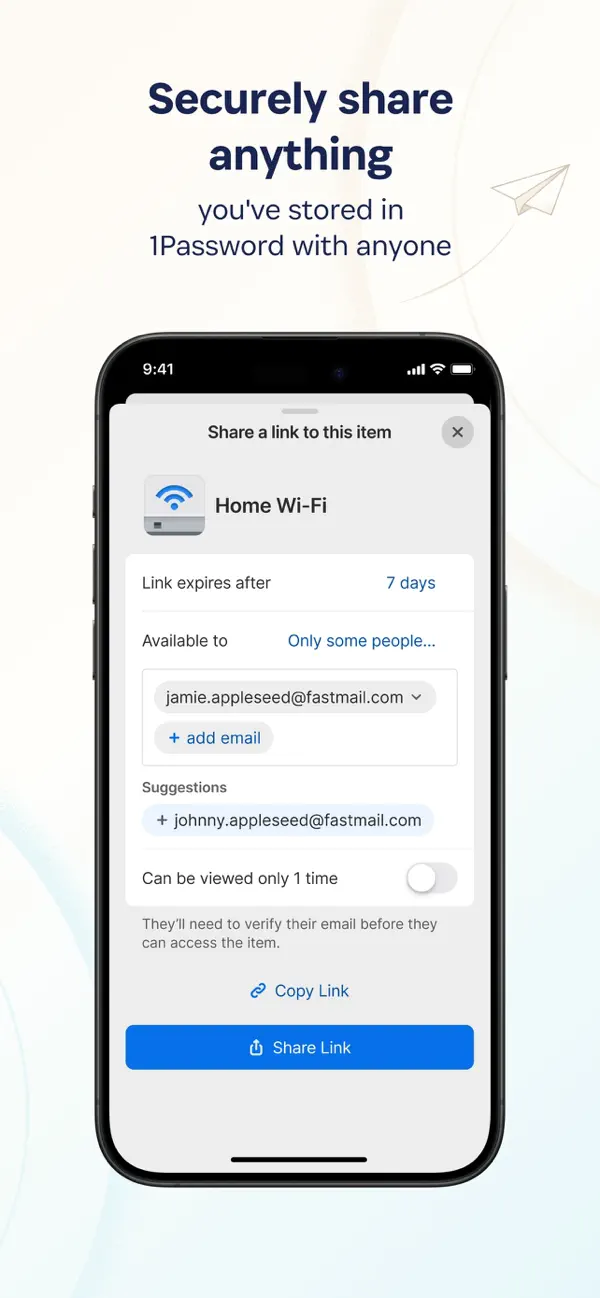
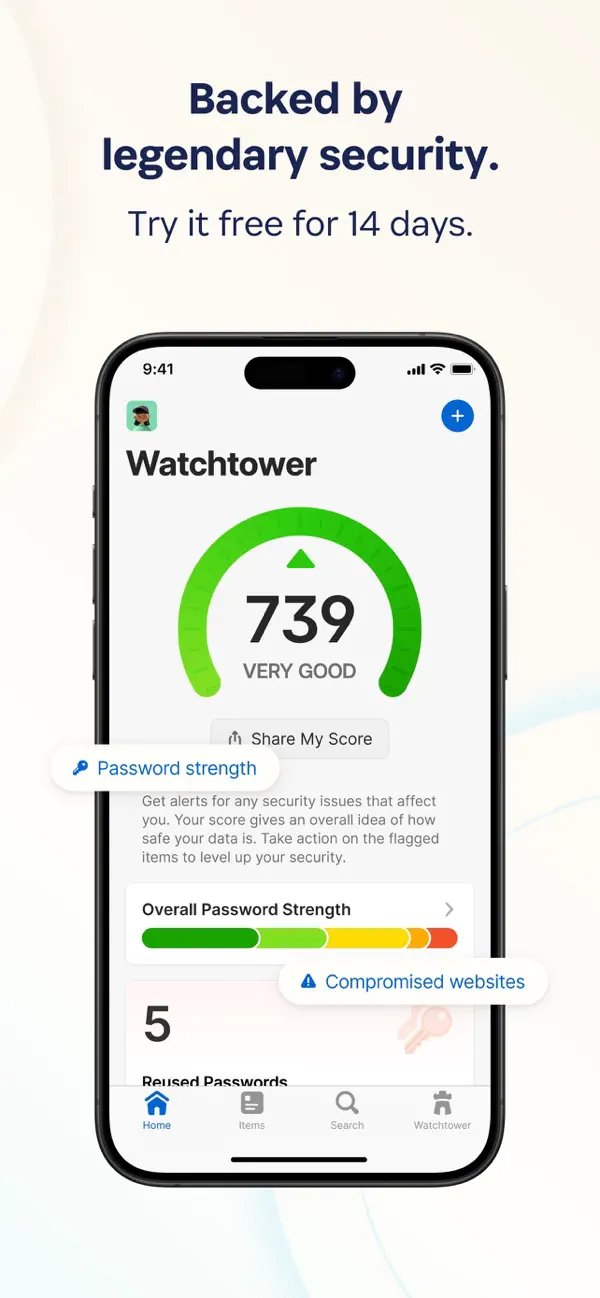
1Password has been helping folks forget their passwords since 2006. Trusted by millions of people and more than 180,000 businesses, "1Password offers the best combination of features, compatibility, security, and ease of use" among password managers, according to The New York Times Wirecutter. == Generate strong passwords == Use the built-in password generator to create strong, unguessable passwords with a tap, then access those secure passwords on any device. 1Password works across popular operating systems as a browser extension, mobile app, or desktop app. == Sign in automatically == Autofill your username and saved passwords when signing in to websites or apps. 1Password for iPhone and iPad works with Safari and apps so you can sign in to your online accounts without the hassle. You can even download a dedicated 1Password for Safari browser extension for even more seamless integration. == Built-in two-factor authentication == 1Password can also create and autofill one-time two-factor authentication codes for services that support 2FA, so there’s no need for a separate authenticator app – and no more copying and pasting. == Industry-leading passkey support == Did you know there’s a more convenient and secure alternative to passwords? They’re called passkeys, and you can generate and save those in 1Password, too – and even use them to unlock 1Password. For sites that support passkeys, you’ll never have to generate another password. == Sign in with other providers == If you sign in to websites or apps with Apple or other providers in a web browser, you can store and sign in with those logins in 1Password, too. == Secure and organize your digital life == Faster sign-ins are only the beginning. In addition to managing passwords and passkeys, you can store credit cards, secure notes, banking info, medical records, and anything else you want to protect in 1Password, so your most valuable personal information is always available on any device. == Share anything, securely == Share passwords and anything you store in 1Password with anyone, even if they don’t use 1Password. Securely (and temporarily) share Wi-Fi details, financial information, and other sensitive info with friends, family, or colleagues to keep that information out of insecure channels like email and messaging apps. == Security made easy == Strong password generation is a big win for your personal security, but 1Password is much more than a password vault. Security features include unlocking 1Password with biometric authentication (including Touch ID or Face ID), and real-time security alerts and reporting through Watchtower. You’ll know immediately if your accounts are compromised in a data breach, so you can take the necessary action. == Travel Mode == Protect your data from prying eyes while traveling with Travel Mode. Temporarily hide vaults containing sensitive information and restore them when you’re home. == Uniquely secure, completely private == Protect yourself and your family from cyber criminals with 1Password’s unique, industry-leading security. We can’t see your 1Password data, so we can’t use it, share it, or sell it. Learn more about our security model at 1Password.com/security. == Get started for free == Try 1Password free for 14 days, then find the plan that's right for you or your business. Terms of Use: https://1password.com/legal/terms-of-service/.